sE Electronics BL8 - Secondhand
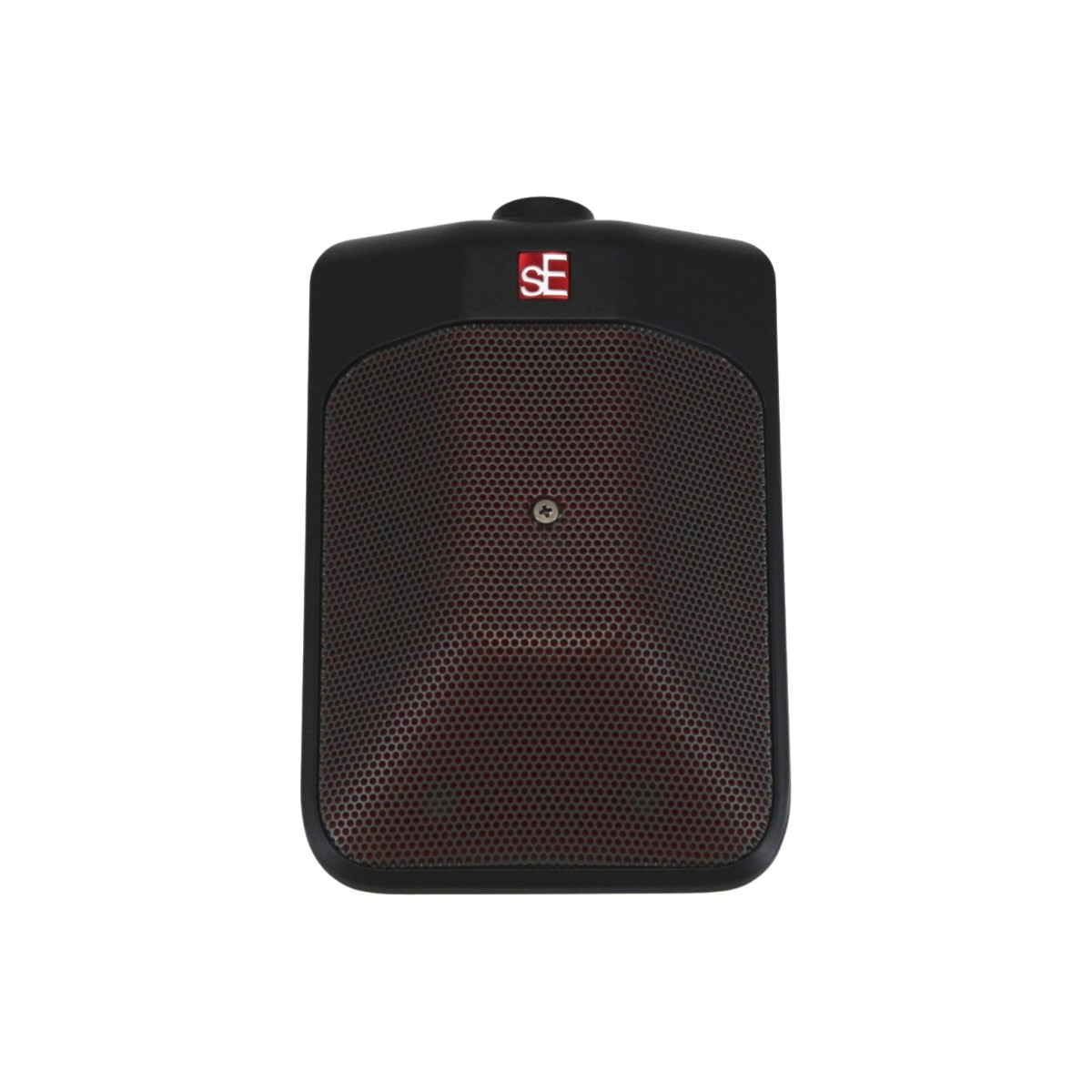
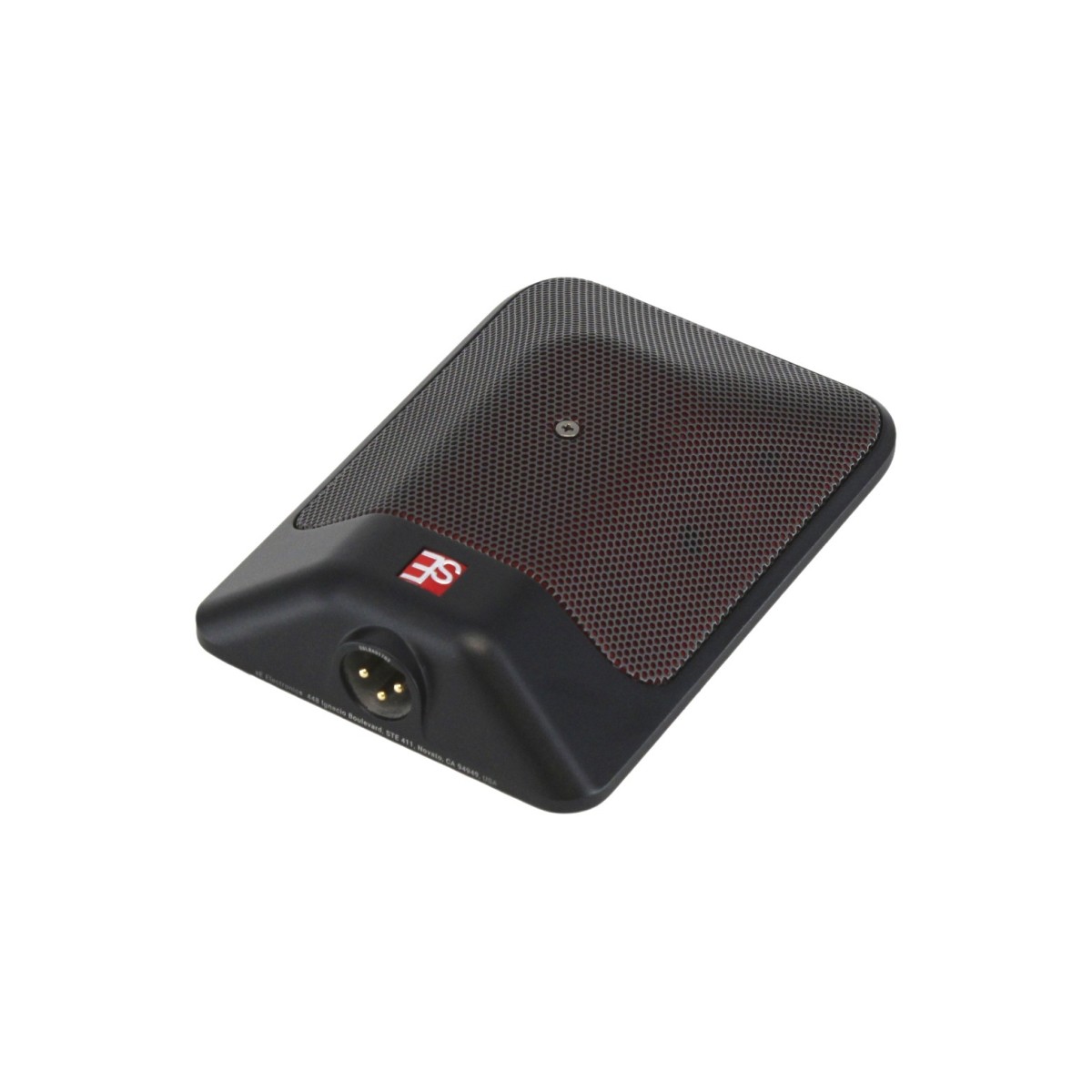

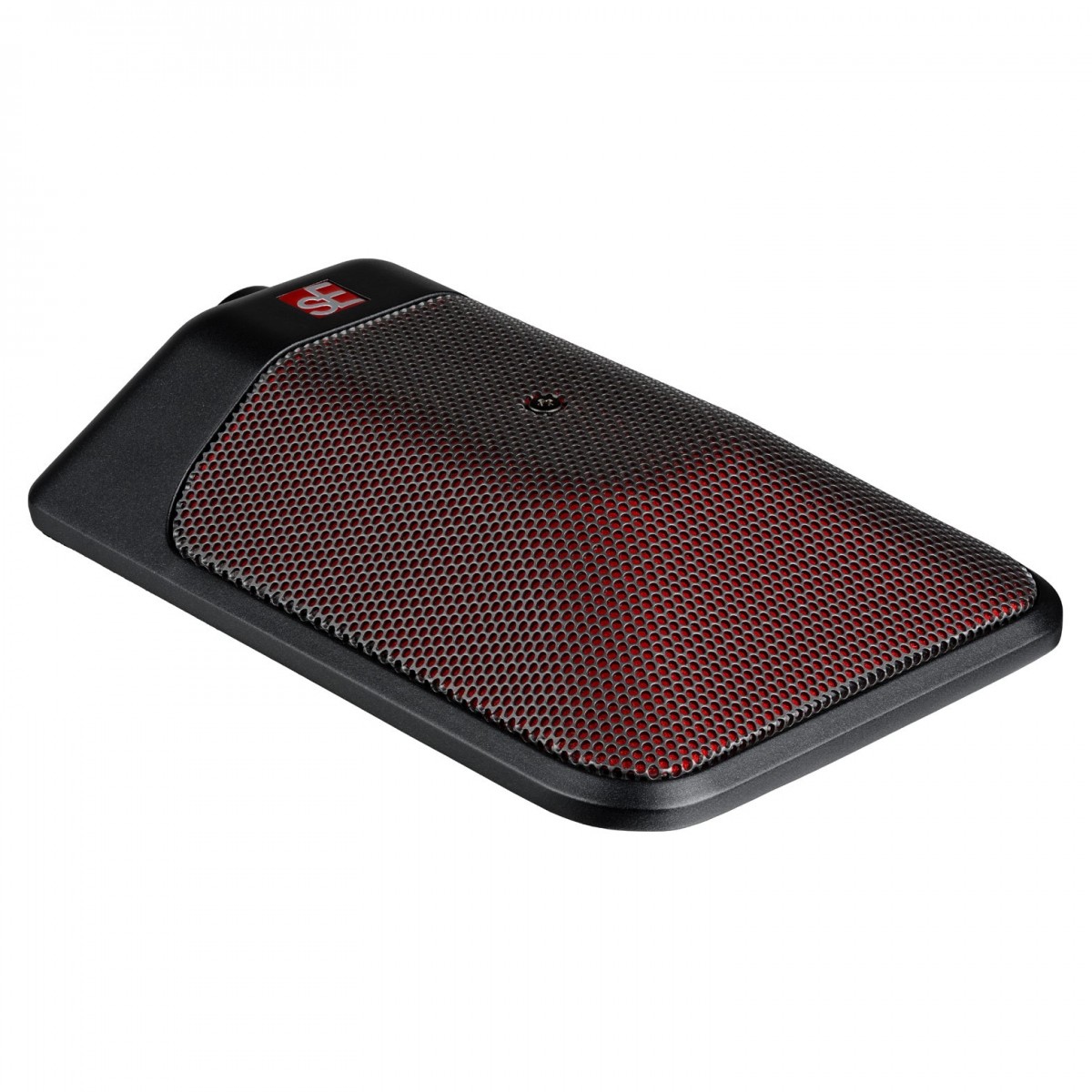
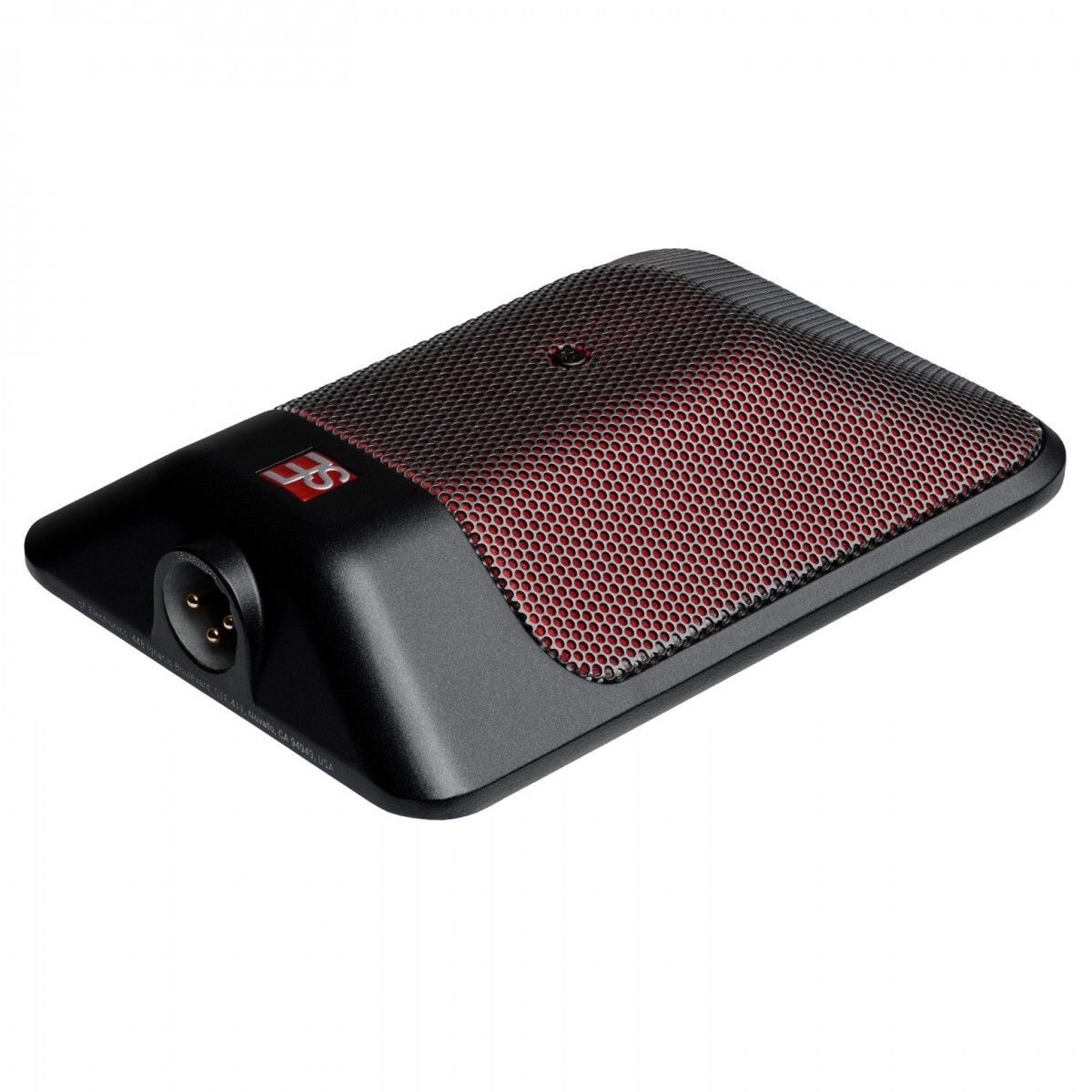



This product is currently unavailable for delivery to your country
Key Features
- Very Good condition secondhand product. Fully functional, inspected by our experts
- Designed for high SPL sources - ideal for kick drums, recording room ambience and pianos
- Onboard controls for attenuating sound and switching between classic/modern voices
- Switchable attenuation pad prevents mixer inputs overloading
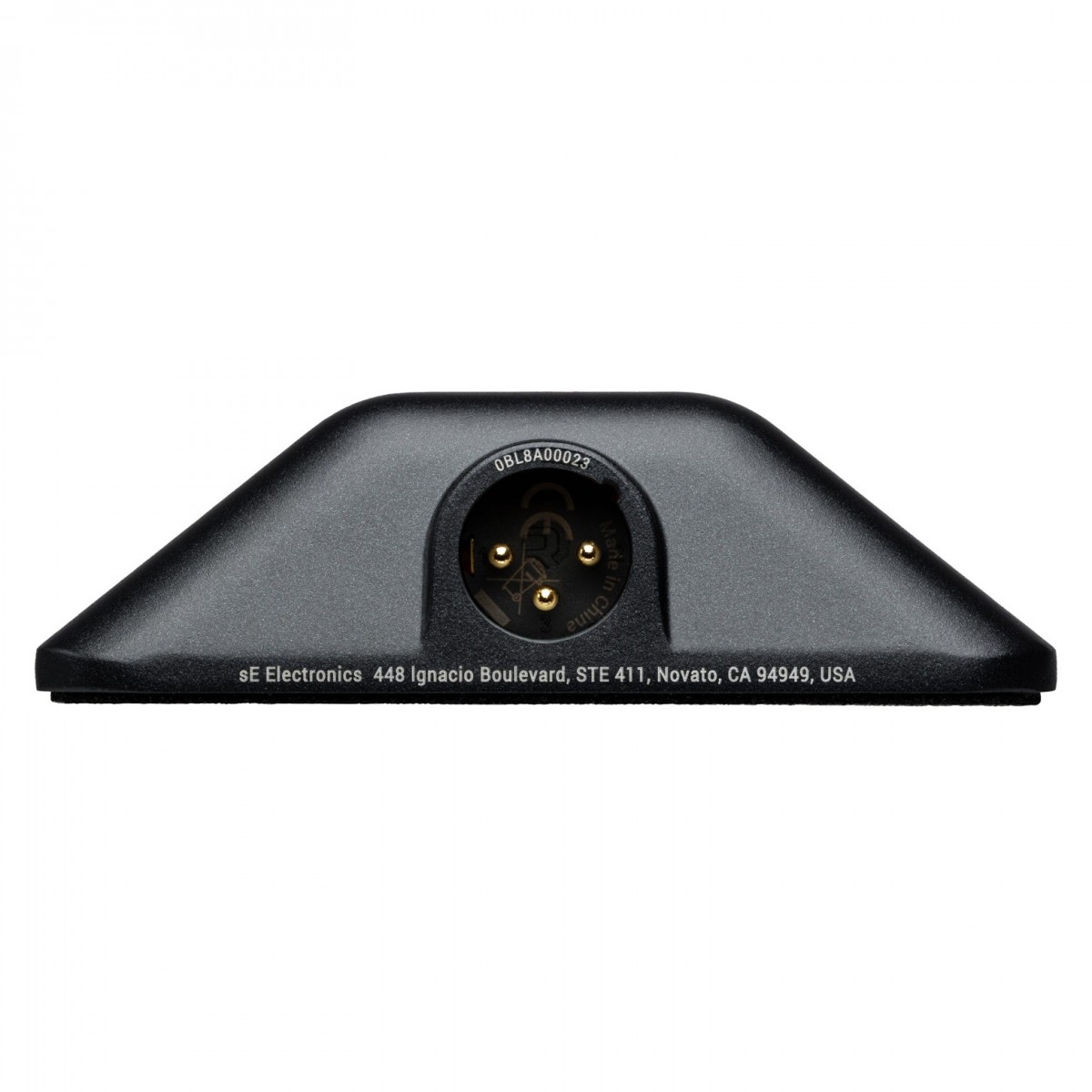
- Robust design with gold-plated XLR connectors for optimal signal integrity
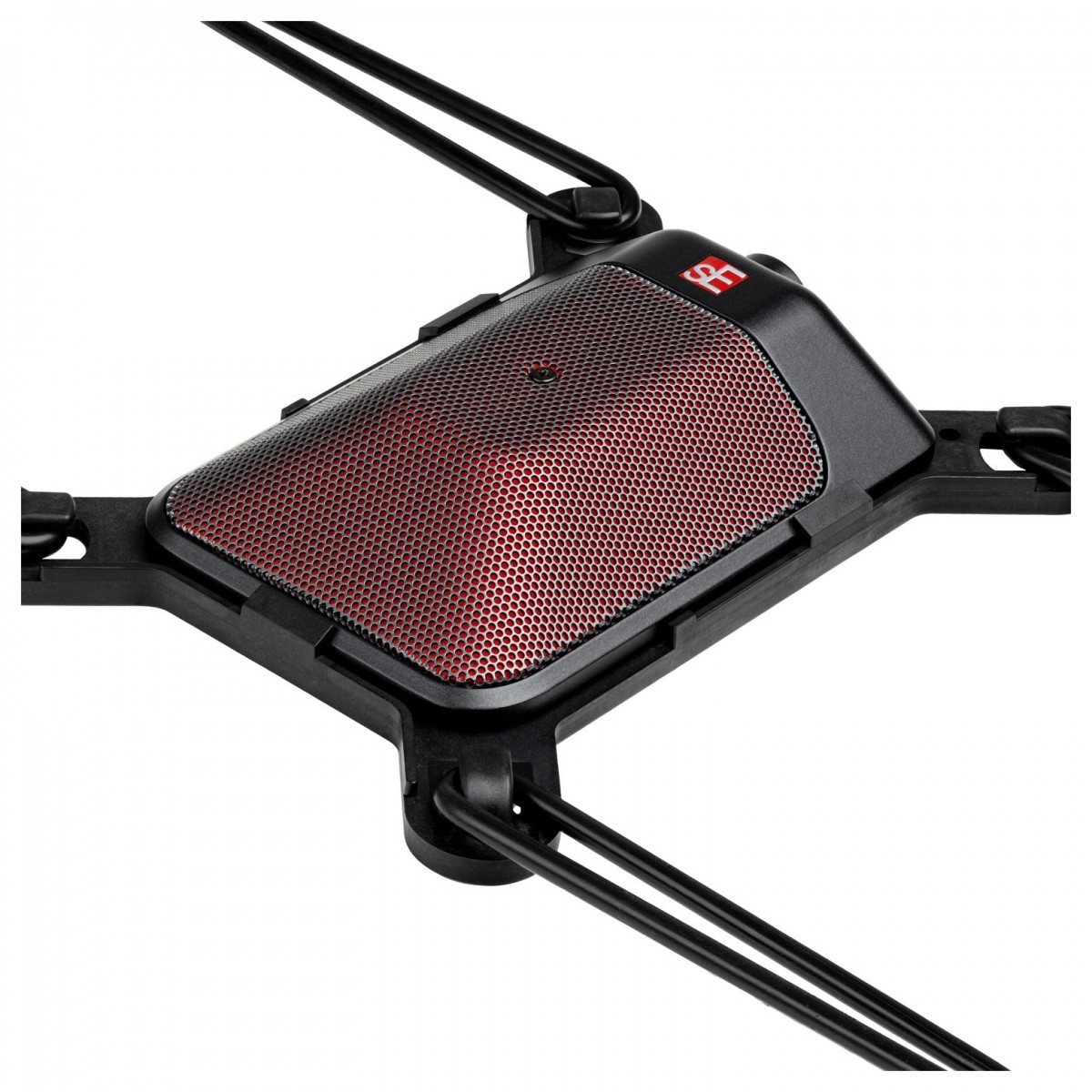
- Compatible with Kelly Shu Flatz isolation system
Secondhand condition of this item: VERY GOOD
Pouch.
Product Ref: 374291
Full Description
View Full DescriptionOnboard controls with low-cut filter
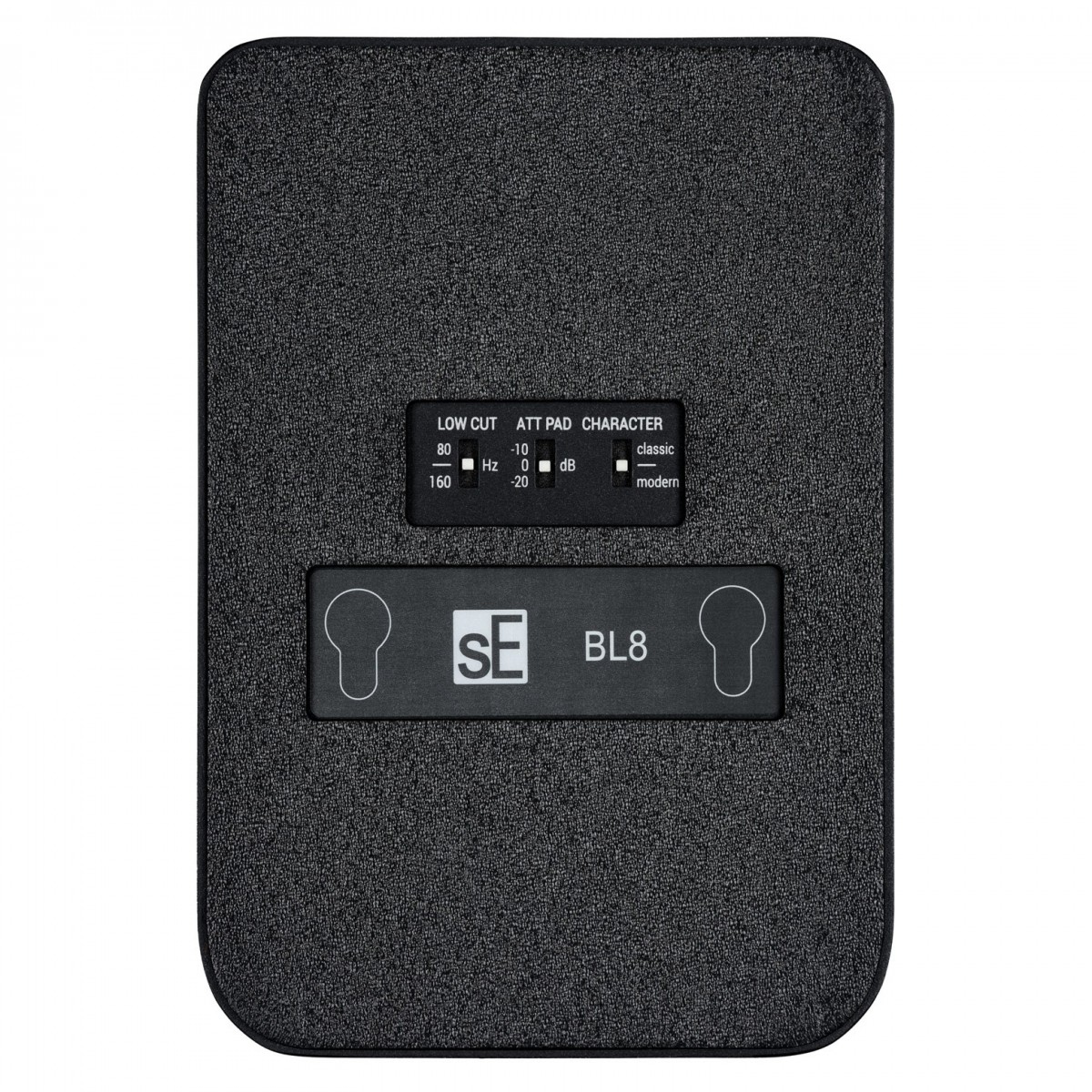
The sE Electronics BL8 is equipped with three switches on the bottom that provide you with control over its tone and help prevent overloading your mixer, microphone preamp, or audio interface. These switches allow you to shape the sound according to your needs. The low-cut switch on the BL8 allows you to adjust the low-frequency response. It offers two different frequency options or the ability to keep it flat. This feature is especially useful for applications such as room micing or speech, where you want to reduce unwanted footfall noise or rumble. Additionally, it can help minimise the proximity effect, providing you with clearer and more focused recordings.
Attenuation pad - prevents overloading
With the attenuation pad, you can reduce the microphone's signal by 10 or 20 dBs when activated. This feature is particularly helpful when dealing with loud sources that may overload your mixer, preamp, or audio interface. By using the attenuation pad, you can ensure clean and distortion-free recordings. The pad can be easily activated or deactivated, providing you with flexibility based on the specific requirements of your recording session.
Classic/modern voicings for live/studio settings
The BL8 offers two character voicings, "Classic" and "Modern," designed to help you achieve the desired tone for your recordings. These voicings cut and shape the low-mid frequencies to emphasize transients and punch. In its centre position, the microphone maintains a neutral response, making it versatile for a wide range of recording applications. Whether you're aiming for a classic or contemporary sound, the BL8 has you covered.
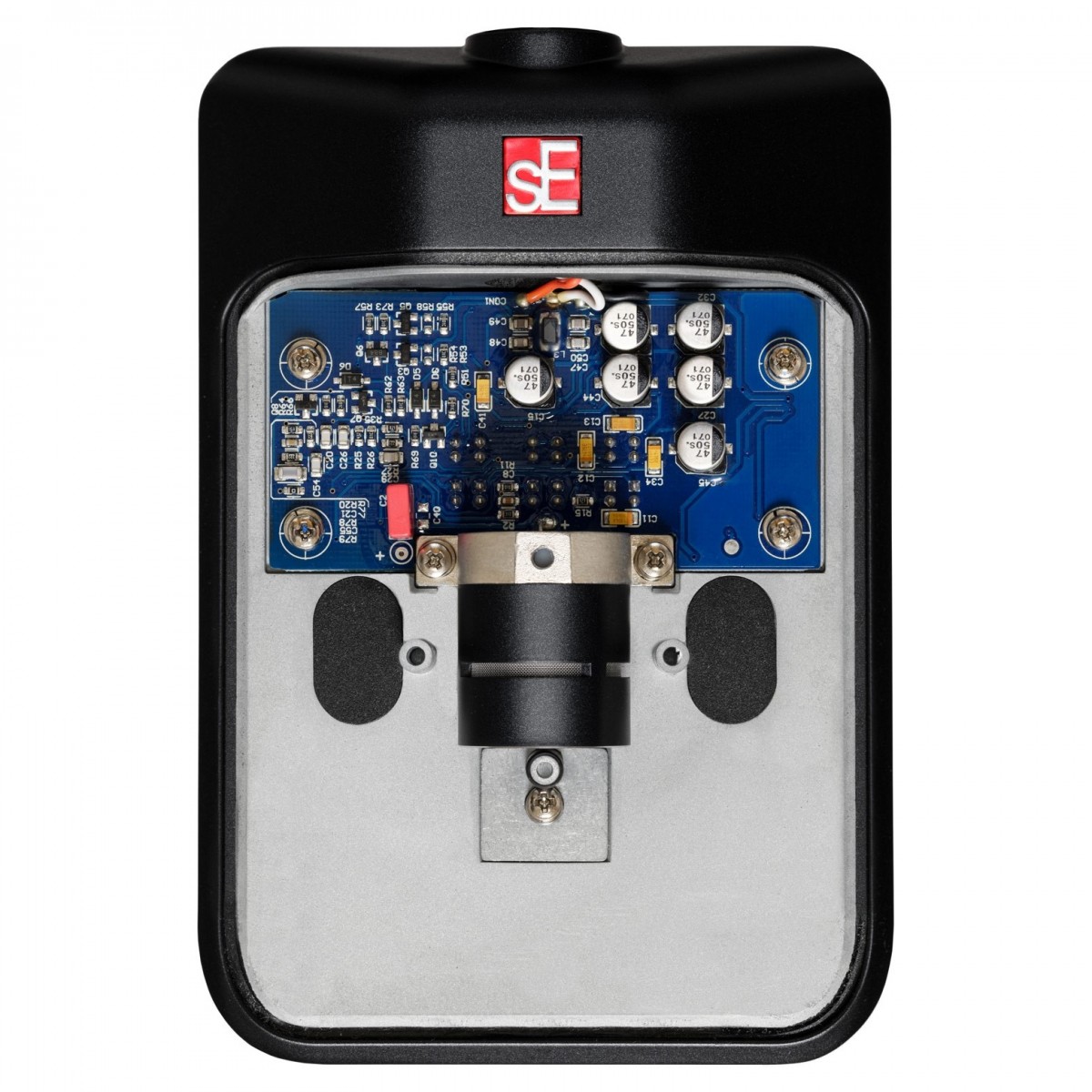
Easy-access capsule
If you want to switch the BL8's capsule, the process is simple. First, ensure that the microphone is not connected to an XLR cable. Then, turn the screw at the centre of the microphone's grille in a counter-clockwise direction until it becomes loose. Remove the screw and the grille to gain access to the capsule. Next, turn the capsule-retainer screw counter-clockwise until it can be removed. Then, turn the capsule itself in a counter-clockwise direction to remove it.
To install a replacement capsule, turn it clockwise to lock it into place. Finally, reattach the capsule-retainer screw, place the grille back on the microphone's base, and secure it with the exterior screw. This allows you to easily switch capsules for different recording needs.
Versatile mounting options
Two mounting points covered with black stickers are revealed. Remove these stickers using a sharp tool, then use the same tool to punch through the protective foil beneath. Finally, mount the microphone as desired using screws (not included) and close the microphone as described in the previous section. This feature enables you to creatively position the BL8 for optimal sound capture in any environment.
Features
- Constructed with resilience in mind, designed for the rigours of on-the-road use
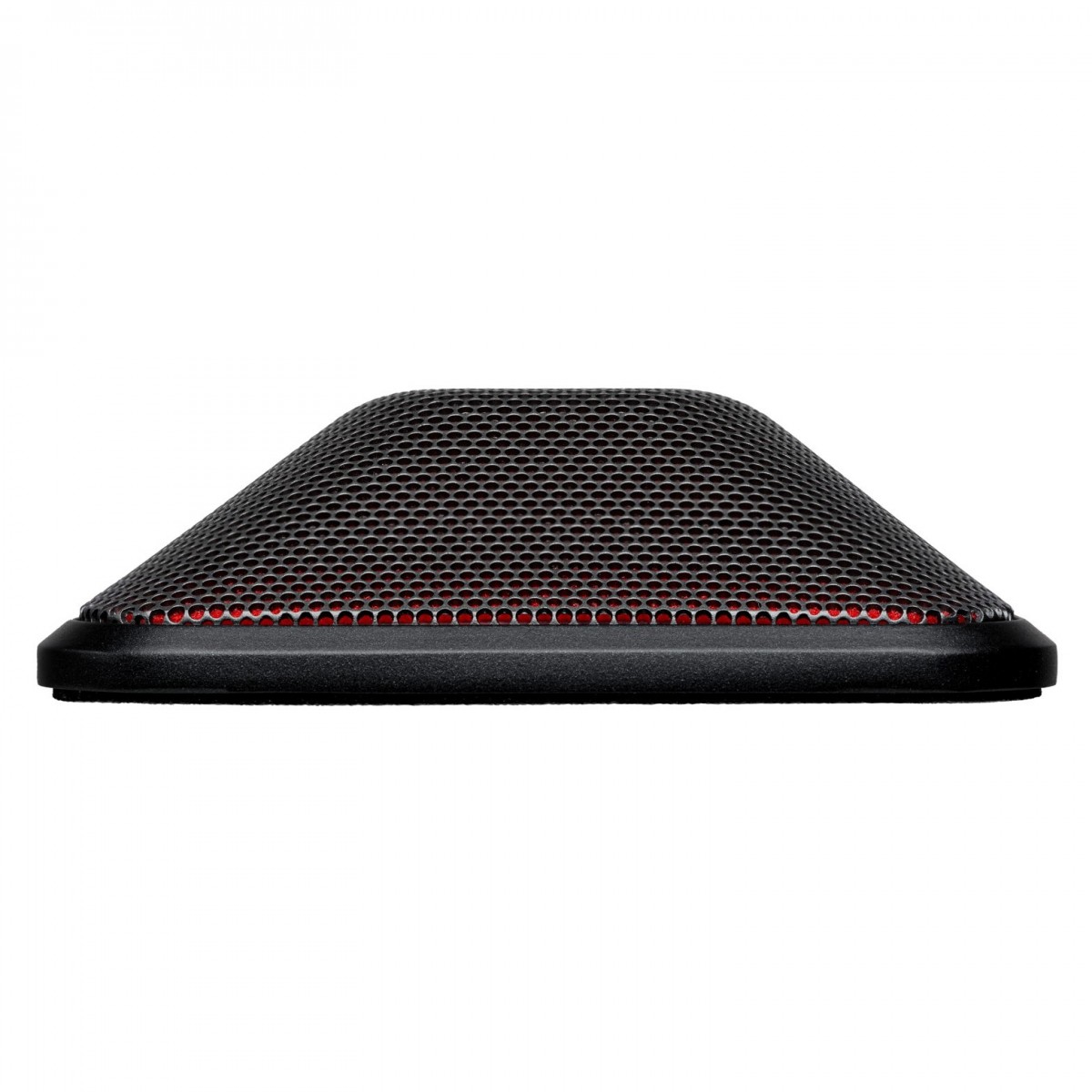
- Hand-crafted half-cardioid boundary microphone featuring a true condenser capsule
- Superior transient response due to ultra-thin, gold-sputtered three-micron diaphragm
- Engineered for precise low frequency reproduction
- Can be used effectively with V KICK or as an independent kick drum microphone
- Compatible with The Kelly Shu Flatz™ Isolation System
- Employs transformerless Class-A circuitry for extensive headroom and minimal distortion
- Incorporates low-cut filter and optional EQ shaping switch for added flexibility
- Perfect for recording ambience, room micing, and acoustic pianos
- Switchable attenuation pad to avoid mixer input overload
- Durable all-metal construction complemented with a dent-resistant grille
- Reliable long-term performance assured by gold-plated XLR contacts
- Complete with pouch for protecting mic on the move or in storage
Specifications
- Capsule: Hand-crafted small-diaphragm true condenser capsule
- Polar patterns: Half-cardioid
- Frequency range: 20 – 20,000 Hz
- Sensitivity: 25 mV/Pa (-32 dBV)
- Max. SPL (0.5 percent THD): 143 / 153 / 163 dB SPL (0/10/20 dB attenuation pad)
- Equivalent noise level: 14 dB(A)
- Dynamic range: 129 / 139 / 149 dB (0/10/20 dB attenuation pad)
- Signal-to-noise ratio: 80 dB
- Low-cut filter: 80 / 160 Hz, 6 dB/oct, switchable
- Attenuation pad: 10 / 20 dB, switchable
- Powering: 48 Volts according to IEC 61938
- Electrical impedance: 60 Ohms
- Recommended load impedance: > 1k Ohms
- Current consumption: 5.0 mA
- Connectivity: 3-pin male XLR connector
- Dimensions (LxWxH): 139 x 95 x 28.5 mm (5.47 x 3.74 x 1.12 inches)
- Weight: 538 g (18.98 oz.)
- Product code: BL8
| Reviews of our service
View all